how do i download a dvd player for my laptop
The truth is, most modern laptops (whether Windows or Mac) no longer come with a built-in DVD player software. This is due to licensing costs and the shift to digital media, but don’t worry—downloading a reliable dvd player for laptop is easy and often free. In this guide, we’ll walk you through everything you need to know, from choosing the right software to setting it up for playback.
First: Check Your Laptop’s DVD Drive
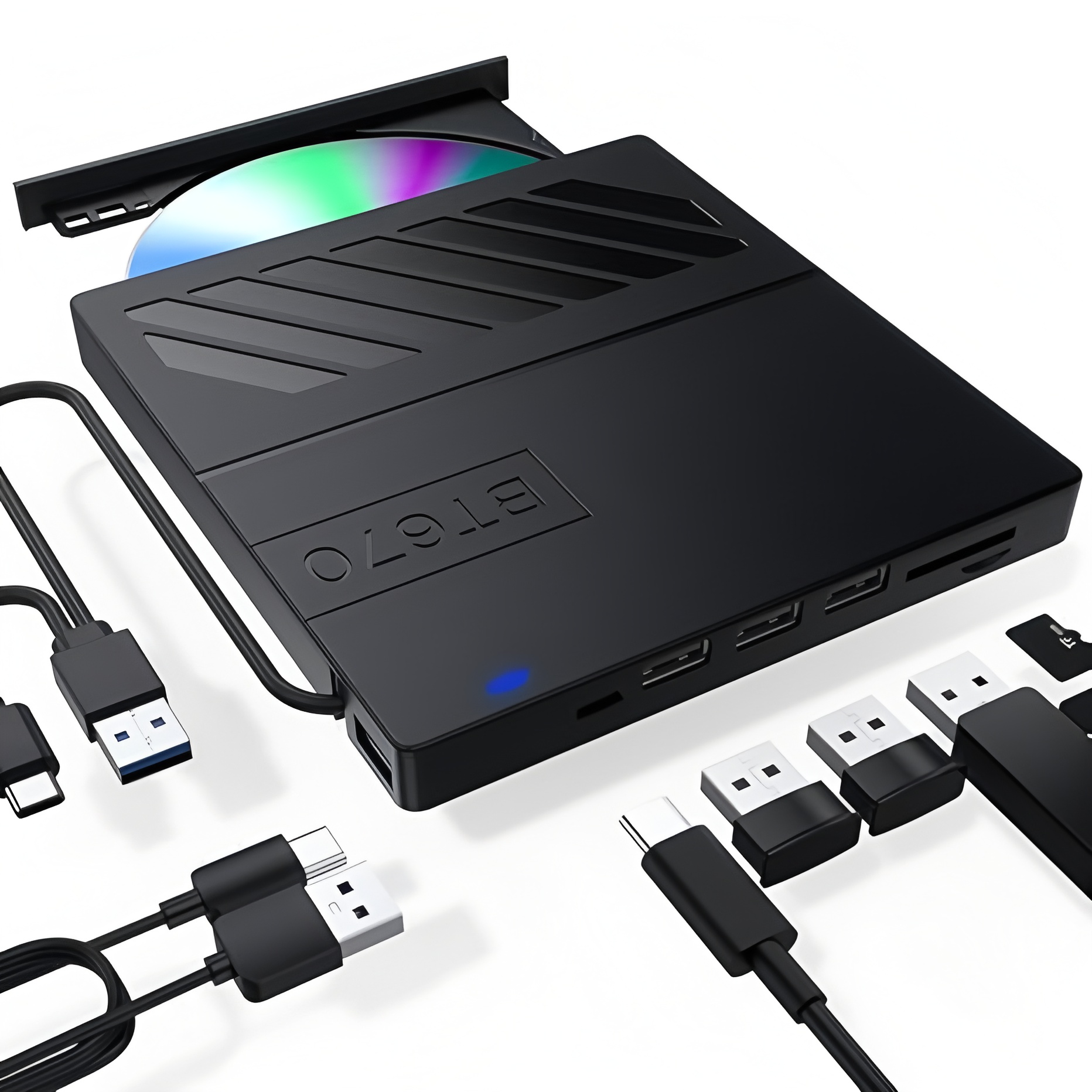
Before downloading a dvd player for laptop, confirm your laptop can read DVDs. Many newer laptops skip internal DVD drives to be thinner and lighter. If your laptop has a disc slot or a pop-out tray, you’re all set. If not, you’ll need an external USB DVD drive—affordable, easy to find online, and plug-and-play for most devices. Once your drive is ready, it’s time to pick and download your DVD player software.

Top Free DVD Player Software for Laptops
When asking how do i download a dvd player for my laptop, the best place to start is with free, trusted options. Here are the most reliable choices for Windows and Mac:
1. VLC Media Player (Windows/Mac/Linux)
VLC is the gold standard for a free dvd player for laptop. It’s open-source, ad-free, and compatible with nearly all DVD formats—including encrypted commercial discs. Here’s how to download it:
- Open your web browser and go to the official VideoLAN website (videolan.org).
- Click the “Download VLC” button—this automatically detects your laptop’s operating system (Windows or Mac) and downloads the correct version.
- Run the installer file and follow the on-screen prompts (accept the license agreement, choose installation location, etc.).
- Once installed, launch VLC. Insert your DVD into the drive, then click “Media” > “Open Disc” in the top menu. Select your DVD drive and click “Play” to start watching.
VLC also works as a universal media player for videos, music, and more—making it a versatile tool beyond DVD playback.
2. Blu-ray Master Free DVD Player (Mac/Windows)
For users who prioritize playback quality, Blu-ray Master Free DVD Player is another excellent dvd player for laptop. It supports 4K/8K playback, Dolby audio, and subtitle customization. To download:
- Visit the Blu-ray Master website and find the free DVD player download page.
- Select the version for your OS (Mac OS X 10.9+ or Windows 11/10/8/7) and download the installer.
- Install the software, then launch it. Insert your DVD, click “Open Disc,” select your DVD drive, and enjoy smooth playback with adjustable audio/video settings.
3. Nero DVD Player (Windows)
Nero is a trusted name in media tools, and their DVD Player is a great dvd player for laptop with user-friendly features like chapter navigation, region-free playback, and hardware acceleration. The free version has a watermark, but a 7-day free trial unlocks the full experience. Download it via the Microsoft Store or Nero’s official site, install, and follow the prompts to play your DVD.

Troubleshooting Tips for DVD Player Downloads
If you run into issues after asking how do i download a dvd player for my laptop, try these fixes:
- Software not detecting the DVD: Ensure the DVD is inserted correctly (shiny side down) and your external drive is properly connected. Restart the player software or your laptop.
- Playback errors: For encrypted DVDs, VLC is the most reliable—other free players may struggle with copy protection.
- Mac compatibility: Avoid outdated players like QuickTime (no longer supported). Stick to VLC or Blu-ray Master for macOS Sonoma and newer.
Final Thoughts
Downloading a dvd player for laptop is a simple process once you choose the right software. VLC is ideal for most users (free, cross-platform, and powerful), while Blu-ray Master and Nero offer premium features for those who want more control. Now that you know how do i download a dvd player for my laptop, you can dust off your DVD collection and enjoy movies, TV shows, and more right on your laptop—no extra hardware needed beyond a drive (if missing).
Have you tried any of these DVD players? Let us know your favorite in the comments!
why is my burned video not playing on dvd
How to Record VHS to DVD