How Do I Burn a CD from a CD
author: LJ
2025-12-19
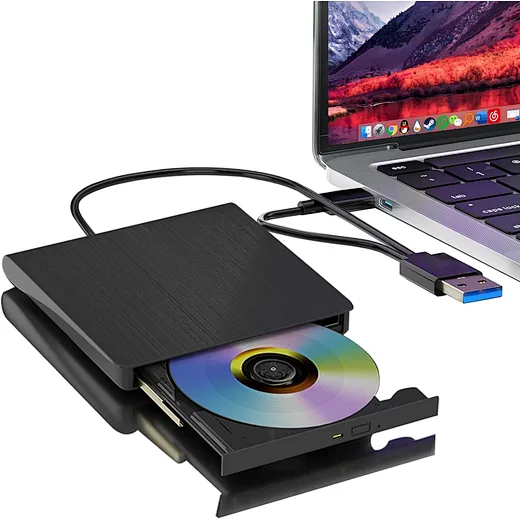
First, it’s critical to confirm that your device—whether a desktop computer, laptop, or external drive—has a functional optical drive.
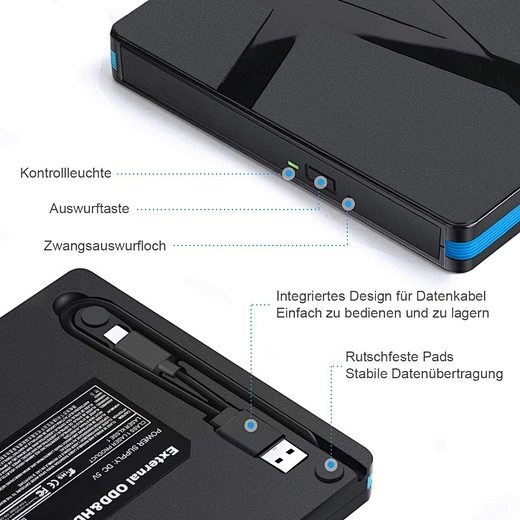
Many modern slim laptops no longer include built-in optical drives, so users may need to invest in an external USB optical drive, which is widely available online and at electronics retailers. This component is non-negotiable for burning a CD from a CD, as it’s responsible for reading the original disc and writing data to the blank CD.
“A working optical drive is the foundation of CD duplication,” says Maria Lopez, a tech support specialist with over a decade of experience. “Users often overlook this step and struggle with the process, only to realize their device lacks the necessary hardware. An external optical drive is an affordable solution, typically costing between $20 and $50, and works seamlessly with both Windows and macOS.”
Once you have your optical drive ready, follow these step-by-step instructions to burn a CD from a CD:
1. Insert the original CD you want to duplicate into the optical drive. Wait for your computer to recognize the disc—this may take a few seconds.

2. Choose a CD burning software. For Windows users, Windows Media Player (pre-installed on most versions) or third-party tools like Nero Burning ROM or Ashampoo Burning Studio work well. macOS users can use Finder’s built-in burning feature or software like Roxio Toast.
3. Open the burning software and select the “Copy CD” or “Duplicate Disc” option. This feature automatically reads the data from the original CD and prepares it for writing to a blank disc.
4. When prompted, remove the original CD and insert a blank CD-R or CD-RW into the optical drive. CD-R discs are ideal for permanent duplication (they can’t be rewritten), while CD-RW discs are reusable but may have compatibility issues with older players.
5. Click “Start” or “Burn” to begin the duplication process. The time required varies based on the amount of data on the original CD and the speed of your optical drive, but most copies take 5–15 minutes.
6. Once the process is complete, the software will notify you. Eject the duplicated CD and test it in a CD player or another optical drive to ensure the data was copied correctly.
It’s important to note that some CDs may have copy protection, which can prevent duplication. This is common with commercial music or software discs. In such cases, users should check the copyright laws in their region before attempting to copy the disc, as unauthorized duplication may violate intellectual property rights.
For users new to CD duplication, troubleshooting common issues can save time. If the optical drive fails to read the original CD, clean the disc with a soft cloth (wiping from the center outward) to remove dust or scratches. If the burning process fails, try using a different brand of blank CD or lowering the burning speed—slower speeds often result in more reliable copies.
As physical media persists in niche use cases, knowing how do i burn a cd from a cd remains a useful skill. With the right optical drive and a few simple steps, anyone can duplicate CDs for personal use, backups, or sharing with others. Whether you’re preserving a favorite album or creating a backup of important files, this guide simplifies the process for users of all tech skill levels.
In related news, sales of externaloptical drives have seen a slight uptick in 2025, driven by users seeking to preserve legacy media collections. Electronics manufacturers report that demand is highest among nostalgia-focused consumers and small businesses needing to duplicate training or promotional discs.
can you buy an external cd drive for a laptop
What is an Optical Drive
Related Article
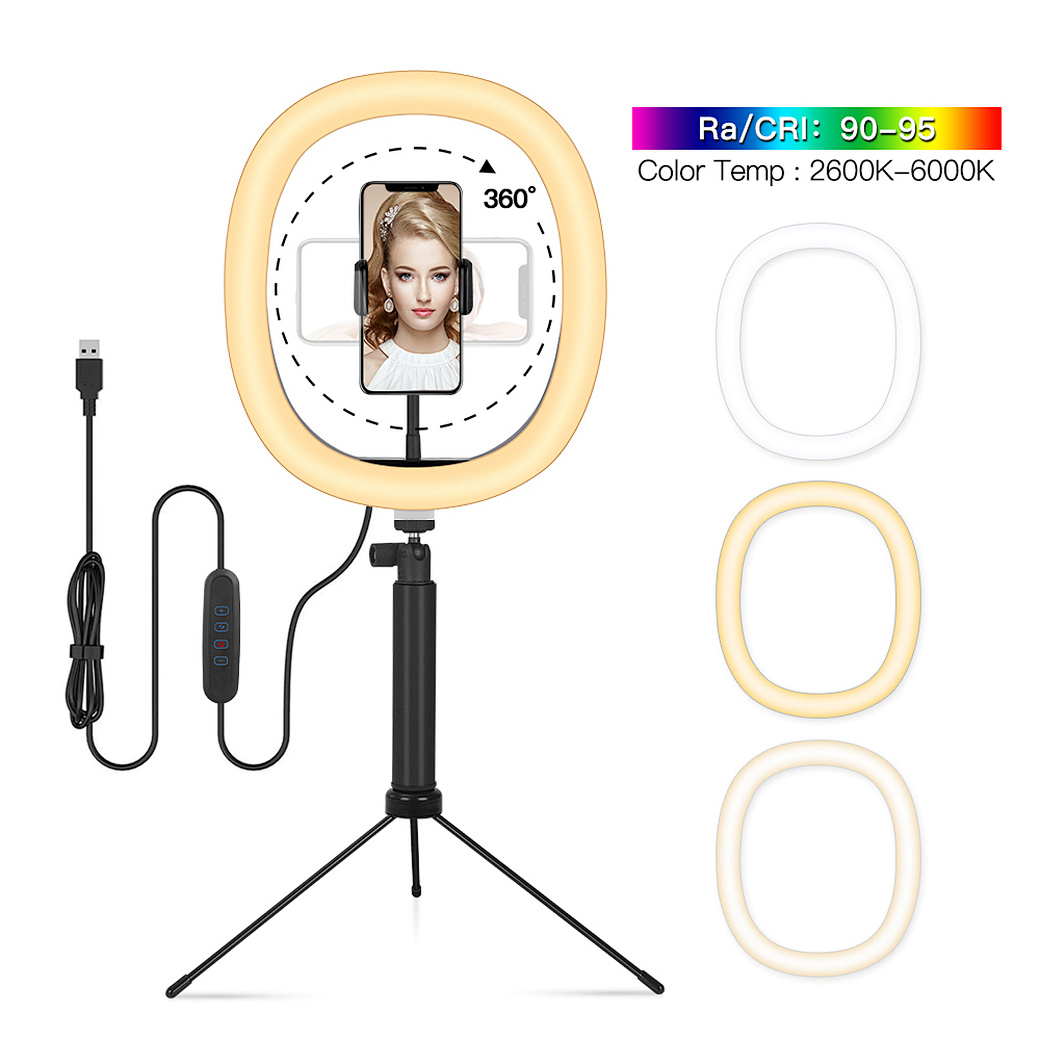
Confused about how to fix half moon wall light? Our simple quick tips help you troubleshoot common issues and get your cozy fixture working again fast.
how to fix half moon wall light
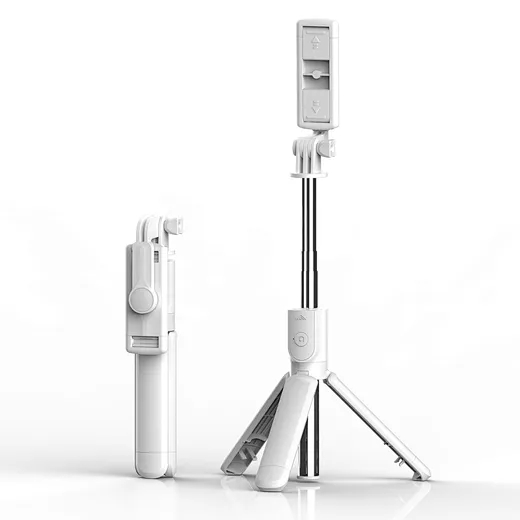
In the age of TikTok, Instagram Reels, and 24/7 live broadcasting, the Selfie Stick has evolved from a "tourist gadget" into an essential professional tool.
who invented selfie stick